
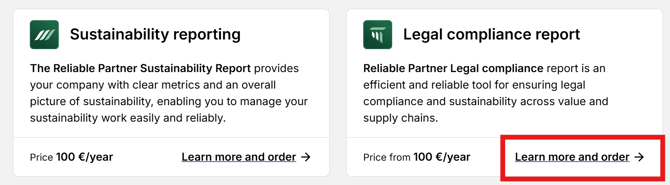
You can order the Reliable Partner Legal compliance report from the customer portal homepage by clicking Learn more and order under Legal compliance report.
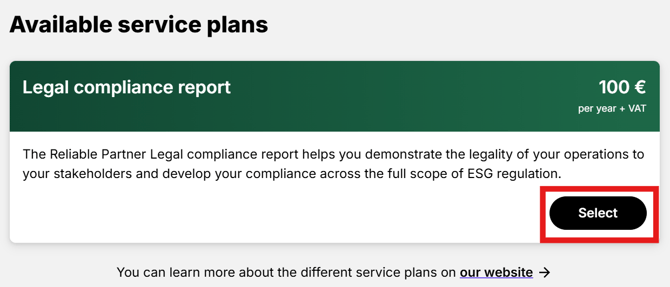
Click the Select button under Legal compliance report.
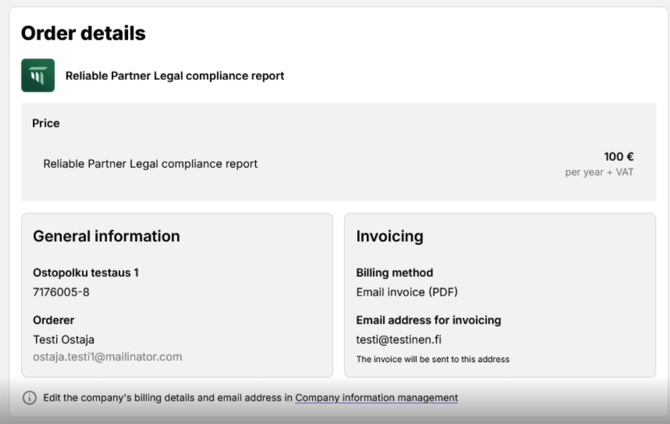
Check the company details and invoicing information. You can edit your company’s billing details and email address in the customer portal under Company information.
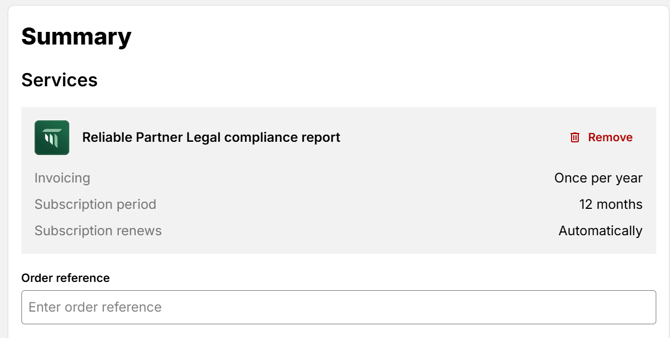
In the Summary section, under Services, you can optionally add an order reference.
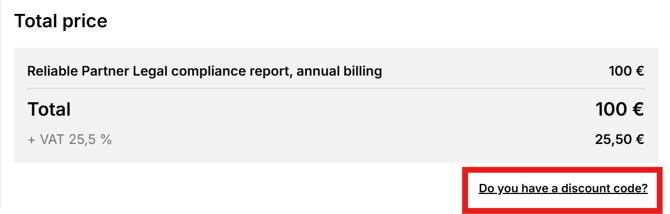
You will also see a summary of the order price. If you have a discount code, you can enter it under Do you have a discount code?.
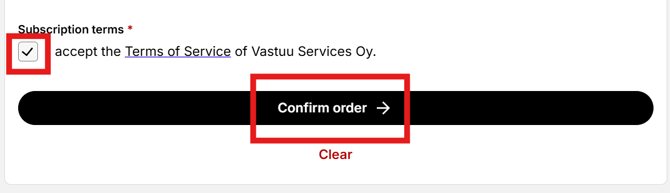
Once you have reviewed the information, accept the Terms of service and then click Confirm order.
You will then see an order confirmation. The order confirmation will also be sent by email.