
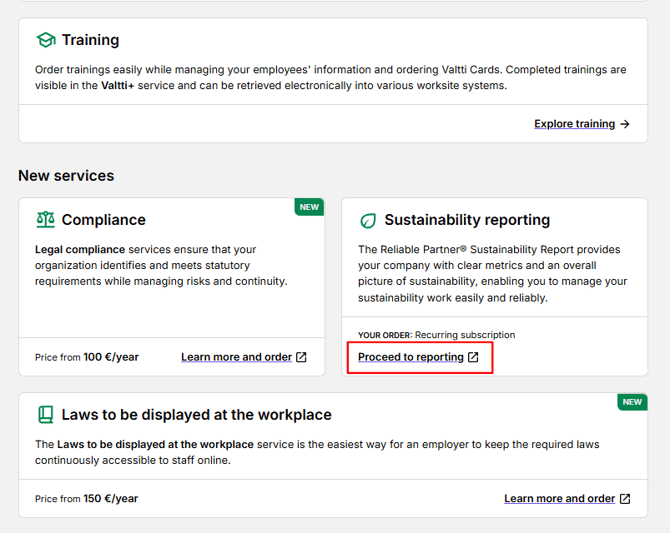
Navigate to the questionnaire by clicking Proceed to Reporting on the front page of the customer portal.
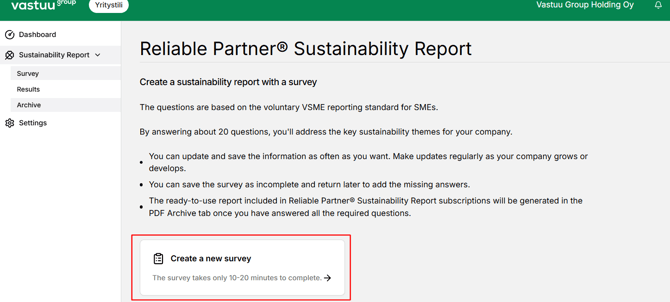
Select the survey you want to fill in from the left-hand menu and click Create a new survey.
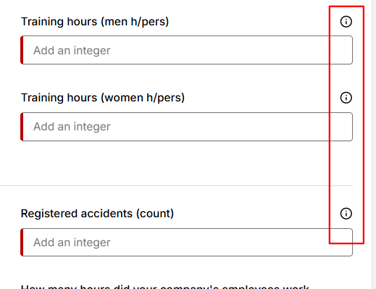
Answer the questions related to your company’s background information as well as topics concerning environmental responsibility, social responsibility and governance.
You can save your unfinished report as a draft on each page by clicking Save draft.
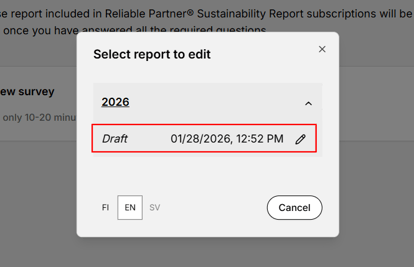
If you want to return to your saved draft, go to Survey, where you will see the option Edit the latest.
IMPORTANT: If you want to continue working on your draft, do not create a new survey — doing so will delete your unfinished draft.
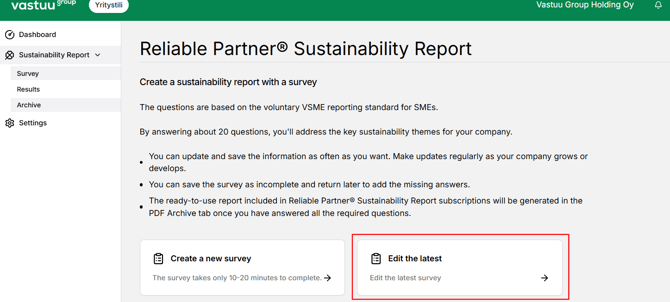
Select the report and click it to return to your draft.
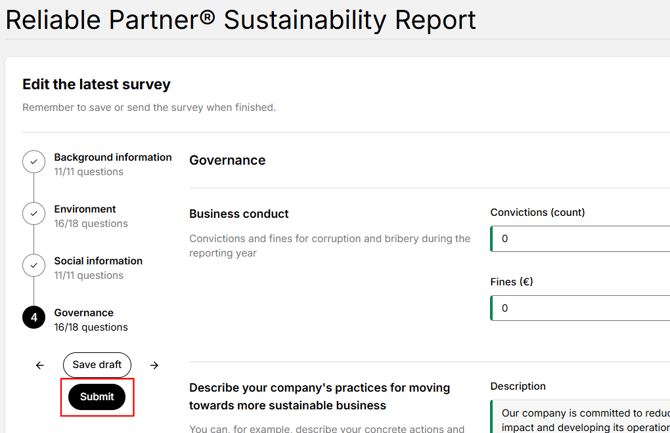
Once you have completed the survey and want to generate the PDF report, go to the Governance section and click Submit.
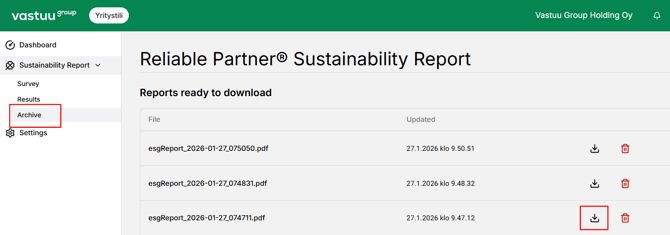
The report will be generated under the Archive section, where you can download it as a PDF by clicking the download icon. You may also delete the report if needed.
If you want to edit an already generated report, return to the Survey section and edit the most recent version.
Other companies can currently only see the status of your Sustainability Report. If you wish, you may share the PDF version with your partners by email.