Forgotten password
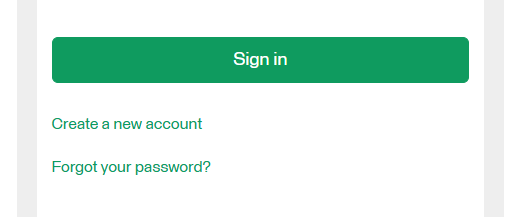
- If you have forgotten your password, you can order a password reset by choosing the Forgot your password link.
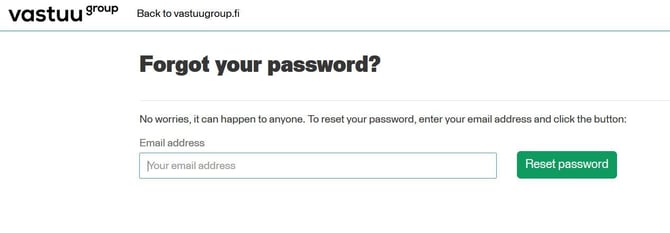
- To reset your password, fill in your email address. We´ll send the password reset link to your email address. The link is valid for 15 minutes.
- Choose Reset password.
- Sign in using the new password.
Changing the password
-
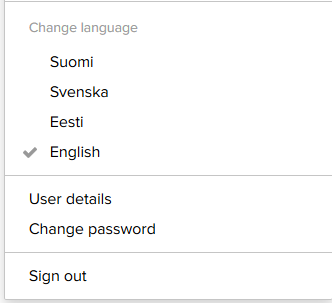
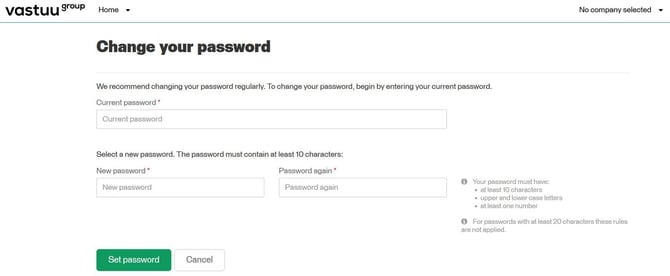
Select “Change password”, which you can find in the top right corner under the profile icon when you are logged in to the Customer Portal.
- Enter your current password.
- Select a new password. The password must contain at least 10 characters, upper and lower case letters and at least one number.