Create account
If you don't have a account yet, start with creating a company account.
The first user will automatically be granted main user permissions and is able to create new users and order services.
Note! Even if the same user is able to use multiple accounts, Valvoja-services can currently be used only with the account, that the user has registered first.
Activating Valvoja
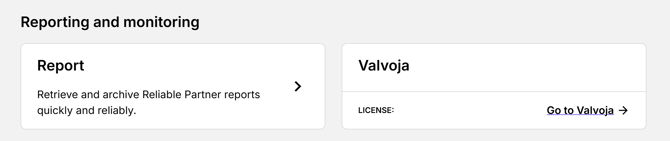
Activate Valvoja by signing in to your account and selecting Valvoja --> Go to Valvoja on the customer portal home page.