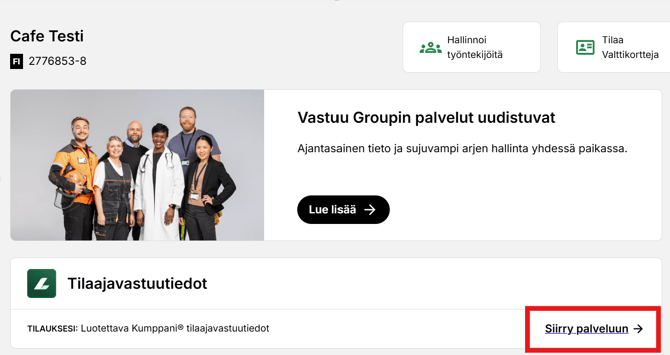
1. Log in to your company account in the Vastuu Group customer portal and navigate to the Reliable Partner (Luotettava Kumppani) service page.
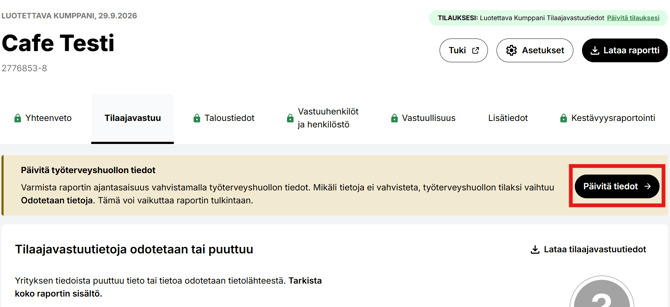
2. At the top of the Tilaajavastuu tab, you will see a reminder to update your occupational health care information. Click the Päivitä tiedot button to update the information.
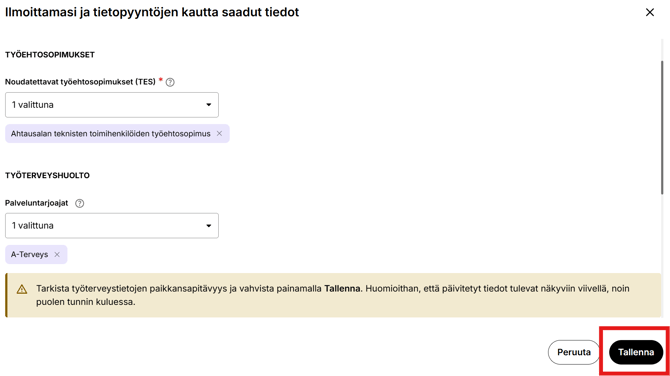
3. Review the occupational health care details. The previously reported service provider will be displayed under the Työterveyshuolto section. If necessary, you can add a new service provider for your company from the drop-down menu. To remove the previous service provider, click the X next to the company name.
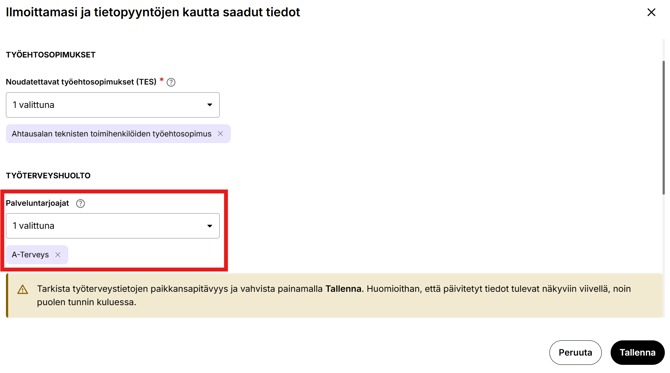
4. After reviewing the information, remember to save by clicking the Tallenna button.
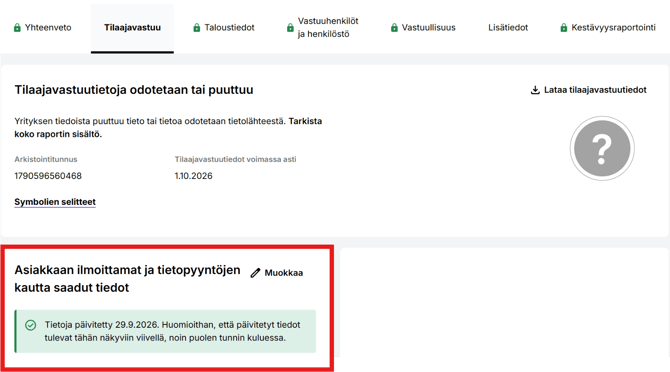
5. Once the information has been saved, you will see a confirmation of the update on the Tilaajavastuu tab of the Reliable Partner service. Please note that the updated information will become visible with a delay of approximately 30 minutes.