
- Create an account
- Select or change your home company
- Order the Valvoja service
Create an Account
If you do not yet have a user account, create one and register as a user.
The user who creates the account automatically becomes the Main User, with permission to:
- Order services
- Create and manage user accounts
Change Your Home Company
Users can change their Valvoja home company (company view) from the drop-down menu in the top banner, which displays the currently selected company.
Ordering Valvoja from the Services Management Page
Note: Only a Main User can order the Valvoja service.
1. Sign in
Log in to your account.
2. Open the Services Page
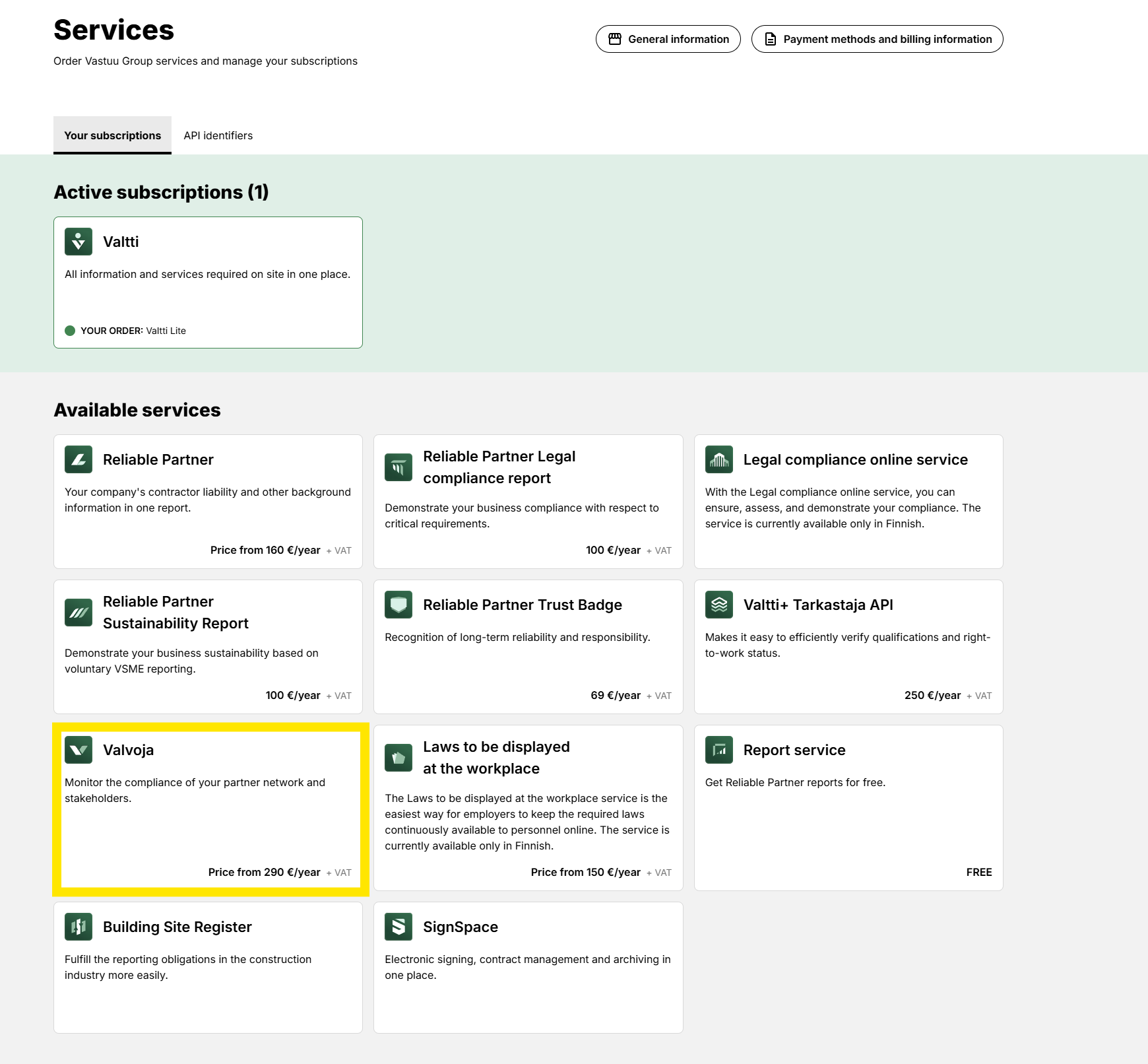
On the customer portal home page, select Order Services.

On this page, you will see:
- Active subscriptions
- Available services, including:
- Valvoja
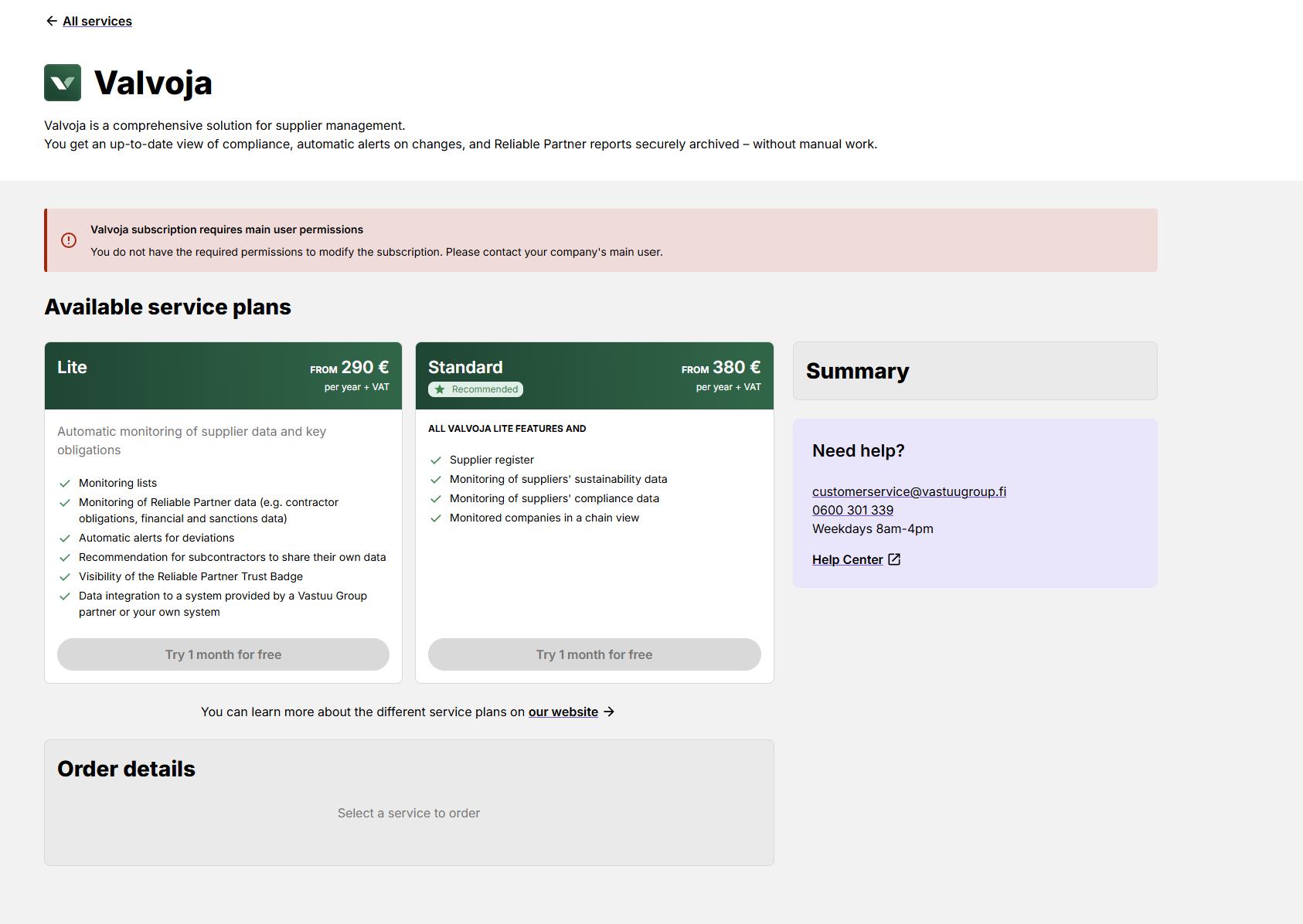
3. Select a Service Package
Choose the Valvoja package that best suits your company's needs:
- Valvoja Lite
- Valvoja Standard
New Valvoja customers receive a free one-month trial period.
4. Select the Supplier Capacity
In the Subscription Details section, choose the supplier capacity that best matches your needs.
5. Verify Company Information
Subscription details are automatically populated using the information maintained in Company Information Management.
6. Confirm Pricing
The final service price is determined by:
- The selected package (Lite or Standard)
- The selected supplier capacity
7. Accept the Terms and Complete the Order
Review and accept the Terms of Service.
You may also add an optional purchase order reference in the Summary section.
After confirming the order, the service will be available immediately.
8. Order Confirmation
After completing the order:
- You will receive an order confirmation by email.
You can access Valvoja immediately from the confirmation page by selecting Start Using Valvoja →
Note: Service activation may take a few minutes. If you experience any issues during activation, please contact asiakaspalvelu@vastuugroup.fi.